Uncategorized
IPTV Smart Player Review
Jul
If you’re looking to explore the IPTV Smart Player app, you’re in the right place. This guide provides a clear, step-by-step experience of the app, including how to download, set it up, add your channels, and use its key features all in a simple and smooth way.
What is iptv smart player?
The iptv smart player is a versatile player app supporting m3u playlists, letting you watch live stream tv channels and enjoy live stream iptv beyond the limitations of traditional television.
Note: if you need a iptv subscription in the UK, check out this guide.
My experience :
To start testing the app, we will first download it from the App Store.
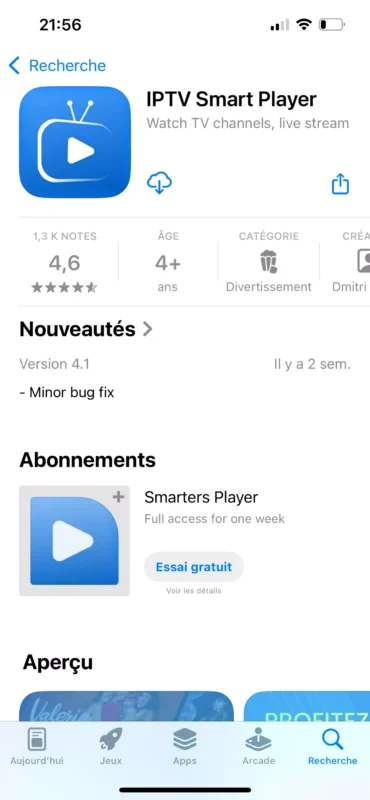
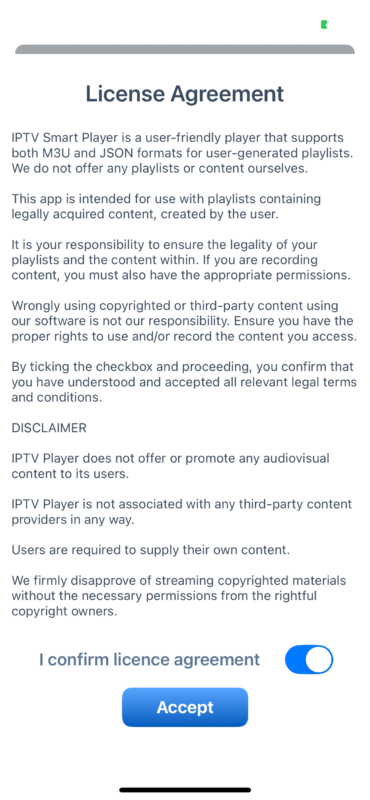
After downloading the app, we will open it and accept the app’s policies and settings.
After that, the app will show you how to add a playlist inside the application and guide you through the necessary steps.
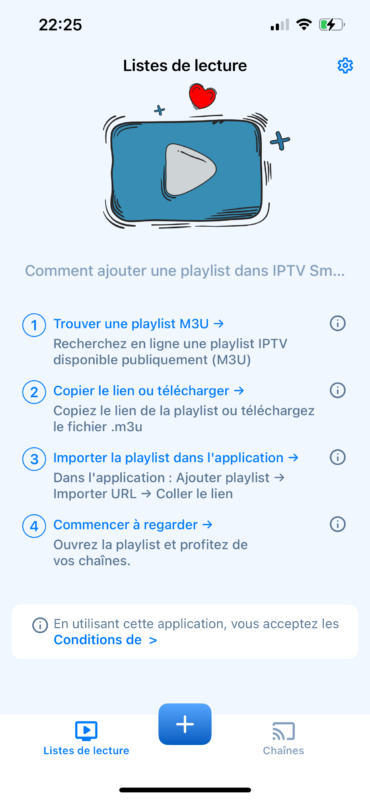
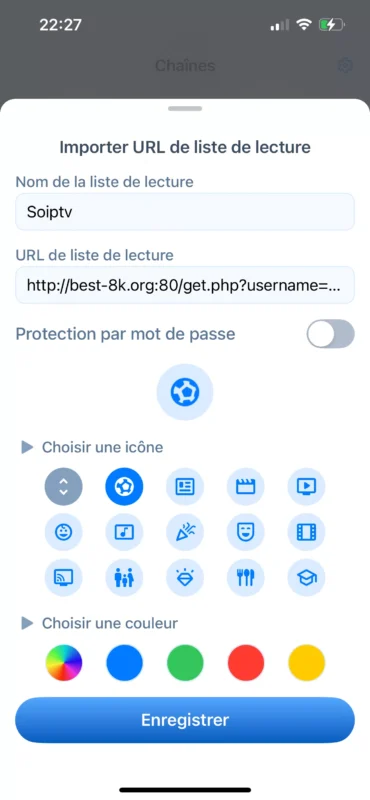
Here, we entered the information related to the m3u playlist. We copied the link provided by the provider and added it, then assigned a name to our custom playlist.
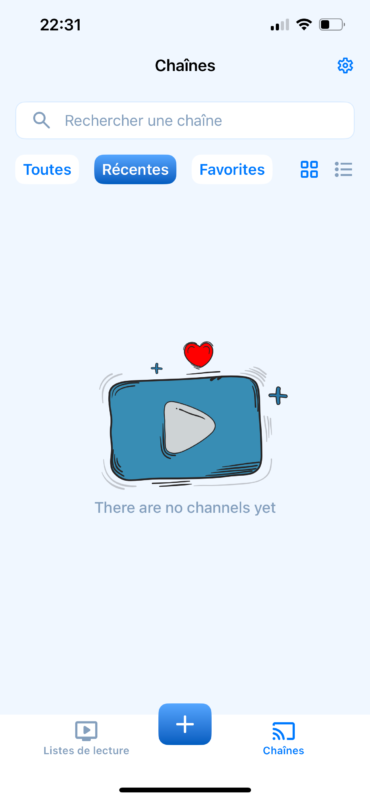
We added the playlist, but we couldn’t find any content. We tried again a second time, but it still failed. The playlists we added did not work and did not appear on the app’s interface, and we were unable to access any content.
Alternative apps
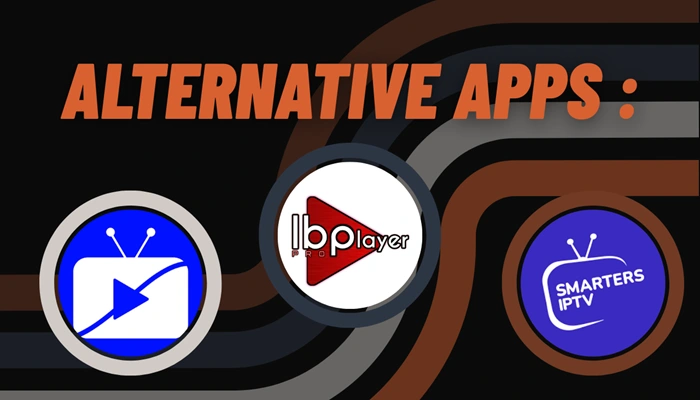
IPTV Smarters
This app is an ideal solution for watching television and live streaming on iOS devices. It offers a wide range of programs, movies, and series in high quality. It also supports m3u playlists, provides a large collection of channels, and features smooth and reliable live TV streaming.
Ibo Pro Player
ibo Pro Player is an excellent media player that works seamlessly with M3U playlists on all iOS devices. It features a simple interface and advanced control options, and it supports all screen resolutions, including 4K. The app allows you to load M3U playlists, view detailed information about movies and series, and add channels or movies to your favorites. It also supports Fast Streaming and VLC, and lets you choose the audio language you prefer for watching your movies and series.
IPTV Stream player :
You can use this app more efficiently because it is very easy to use and contains no ads or complications. It also offers many features that simplify your experience, such as a speed test, multiple language support, content hiding, and parental control for added protection. In addition, the app supports many formats, 4K content, as well as subtitles and dual audio.
Conclusion
This was our experience with the app, and we tried our best to give you a clear idea of how it works. However, the app did not function as expected. We hope you found this helpful, and we also recommended similar apps that work properly.Don’t forget to share your experience with us.
