
Uncategorized
How to Install IPTV Smarters Pro On Android
Jul
Our article today will show you how to download and use the IPTV Smarters Pro app for Android users, so stay with us to discover more information about the app and how to use it.
What is IPTV Smarters pro ?
IPTV Smarters Pro is a user-friendly IPTV application that allows users to stream TV channels, movies, and playlists on Android devices. It supports Xtream Codes API, URLs, and various IPTV subscriptions, offering an easy setup, EPG support, and a smooth viewing experience through a simple, versatile interface.
How to install iptv smarters pro on android
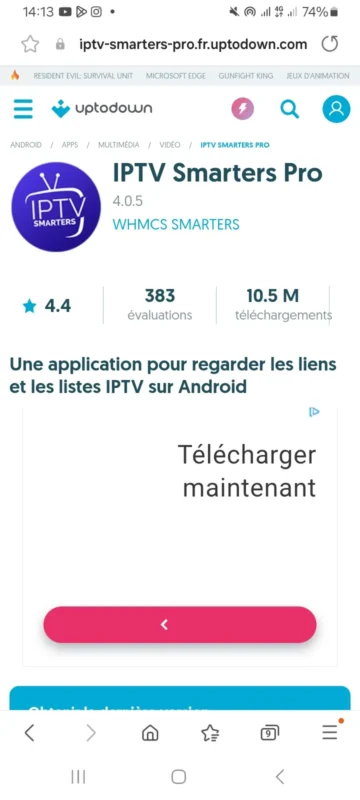
First, we will download the app through this link, because you won’t find it on the Play Store or Google Play. In the next section, we will guide you step-by-step on how to use iptv smarters pro.
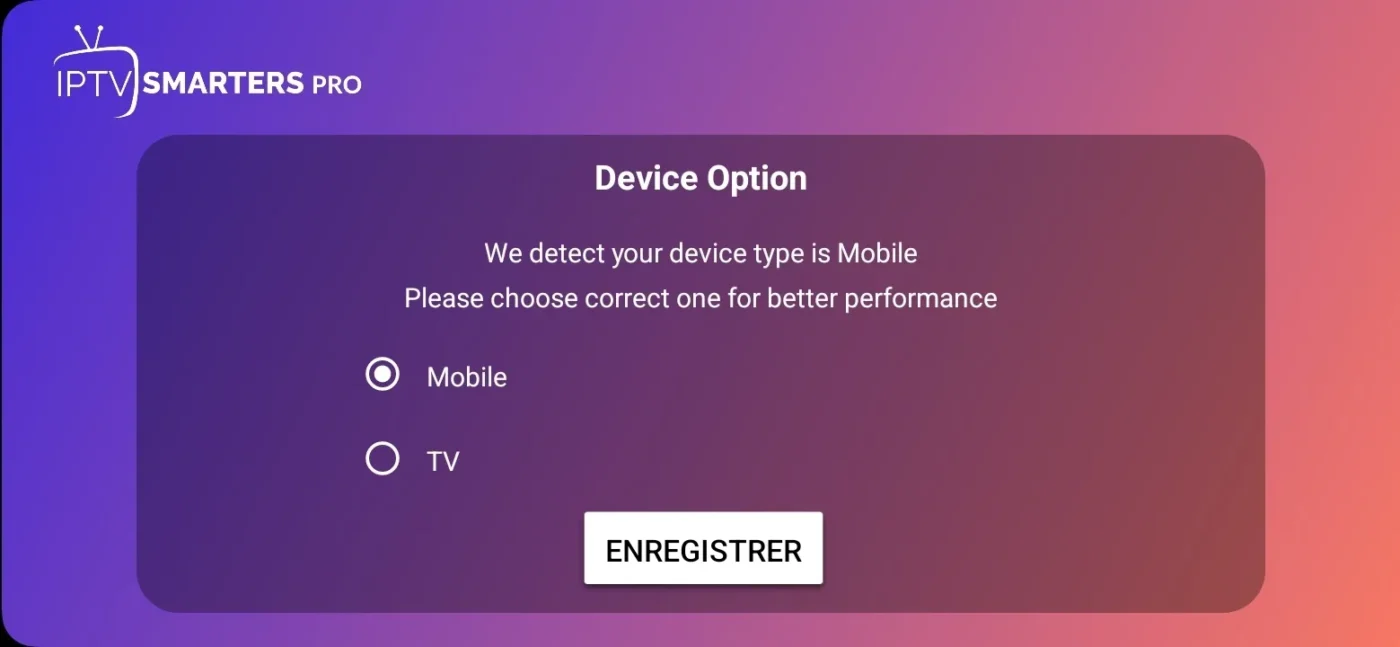
This step occurs right after the download. We will open the application, and on the initial screen, you will be presented with the option to choose if you wish to use it on a phone or a TV. This is one of the configuration features IPTV Smarters Pro offers. Naturally, we must choose the phone.
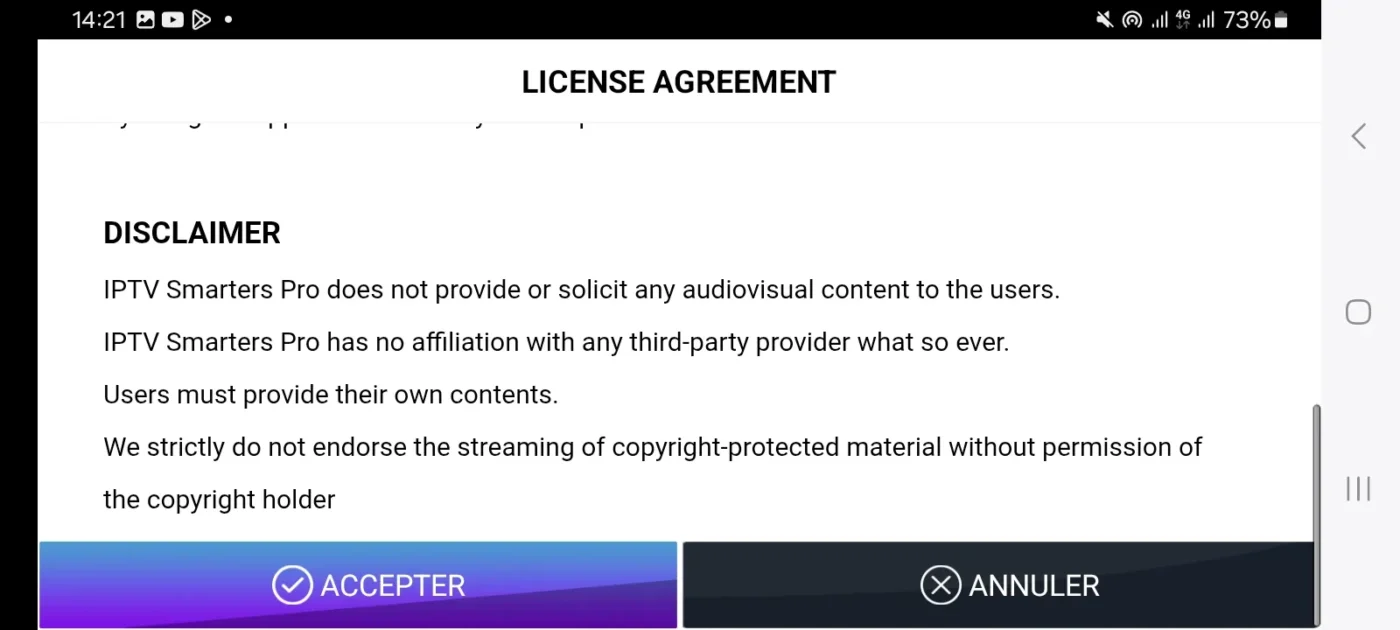
Next, the application will deliver and show without exception the necessary setting configurations and policies that we are required to accept. This is important to learn, as understanding these policies is key to troubleshooting common issues that might occur later.
Upon reaching this interface, after you login, you will find the services of the iptv service and the available playlist menus from which you can choose. These lists offer every detail of the program options for your entertainment, highlighting the benefit of running Smarters Pro on multiple devices.
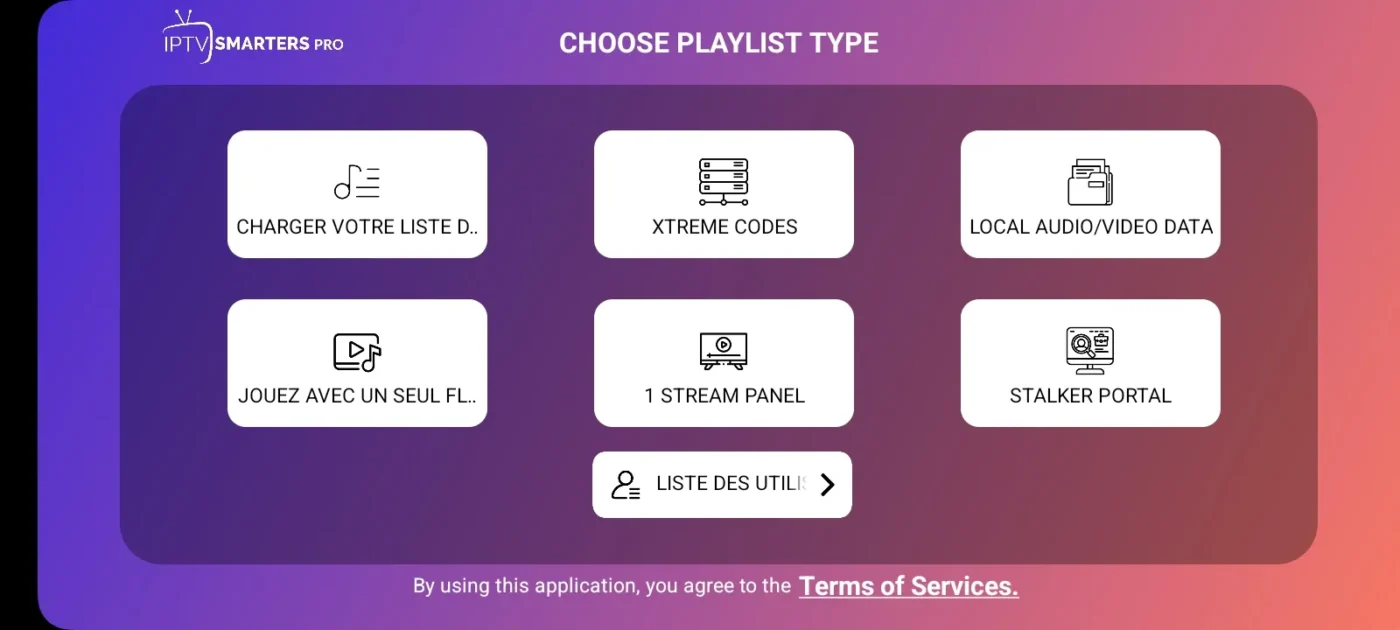
We have proceeded by choosing Xtream Code as our favorite connection method. The next process is to make the connection by entering the required username and password, along with the additional information: the server url. This information is provided by your iptv provider’s service and ensures system compatibility.
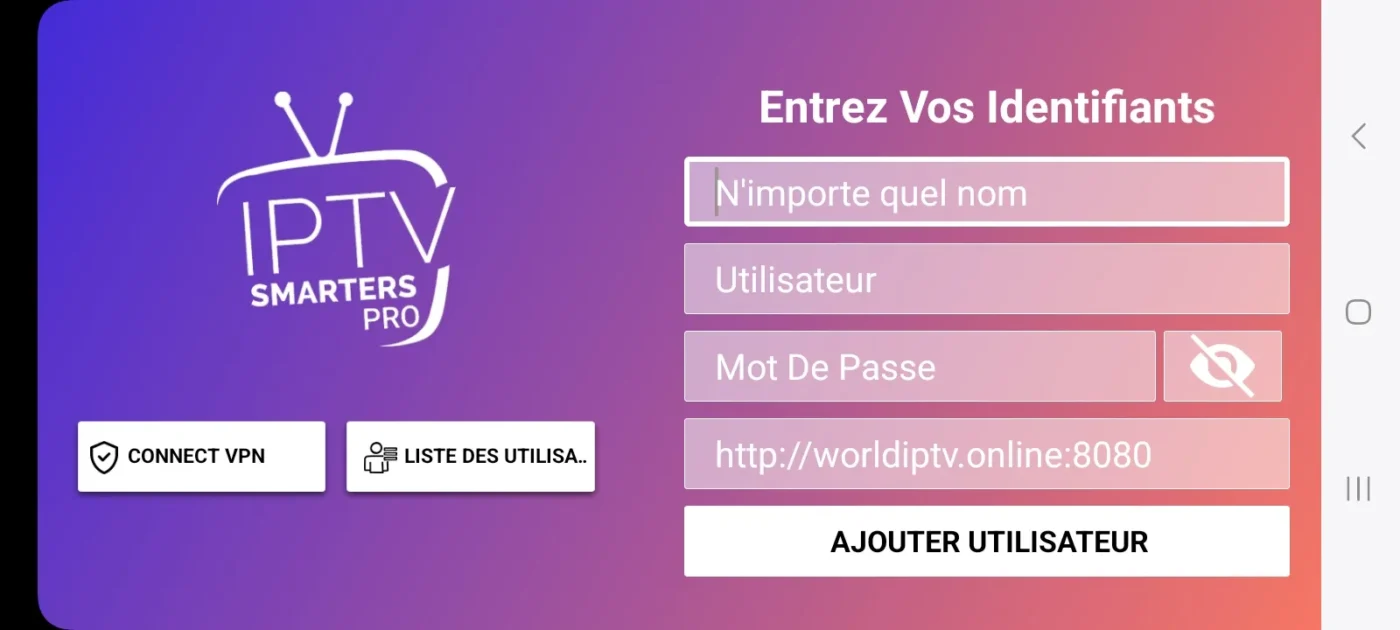
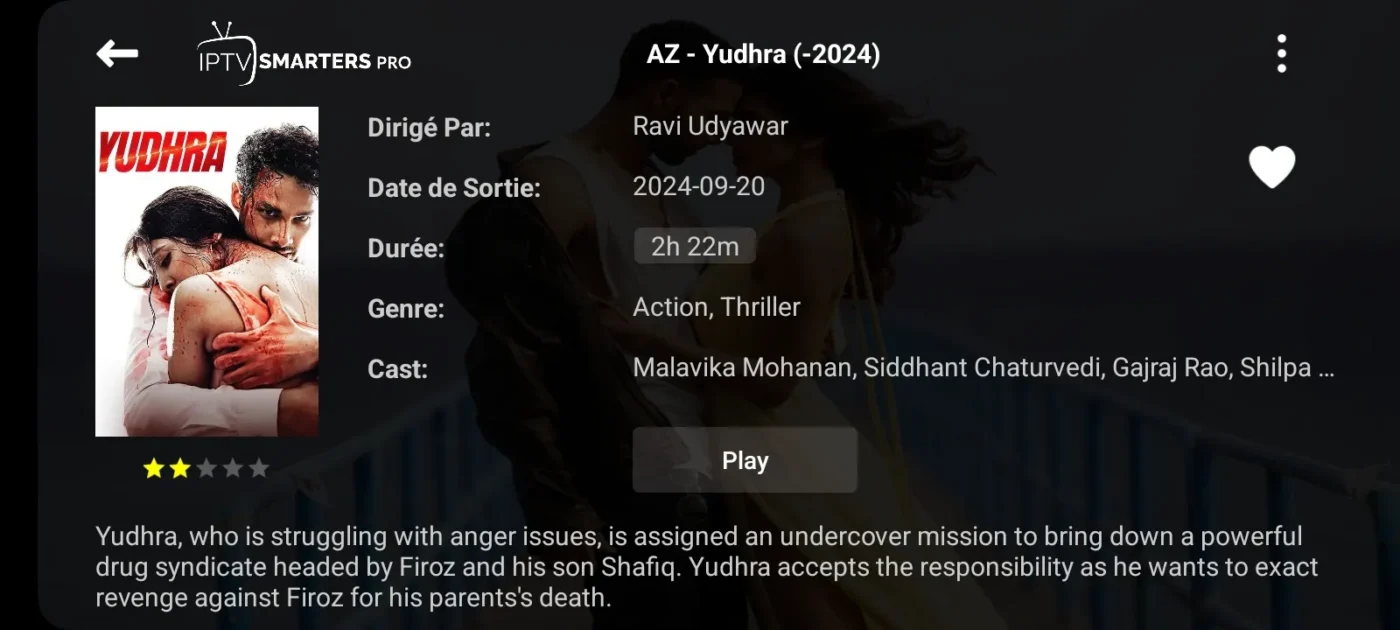
After submitting your details, the application connects to your IPTV service. Complete the installation by adding the playlist. Wait a few moments for all media (programs, movies, and series) to load. This process quickly grants immediate access to your favorite content. You can then use the search function and start enjoying IPTV Smarters Pro right away.
Conclusion
This software brings your favorite shows. Follow these steps to watch a wide range of content. You can navigate directly from the main menu. Check the parental controls if you prefer. Remember, the quality will depend on your internet connection, so keep the troubleshooting tips handy to enjoy IPTV Smarters Pro on multiple devices as a perfect player solution.
